Just take a photo to log it
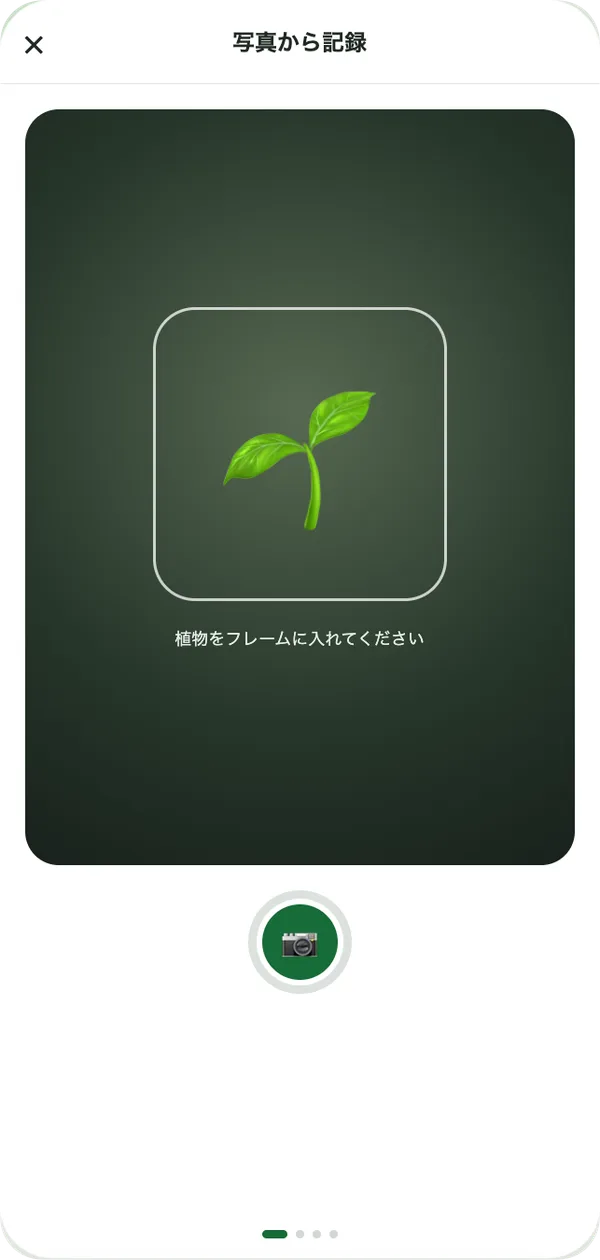
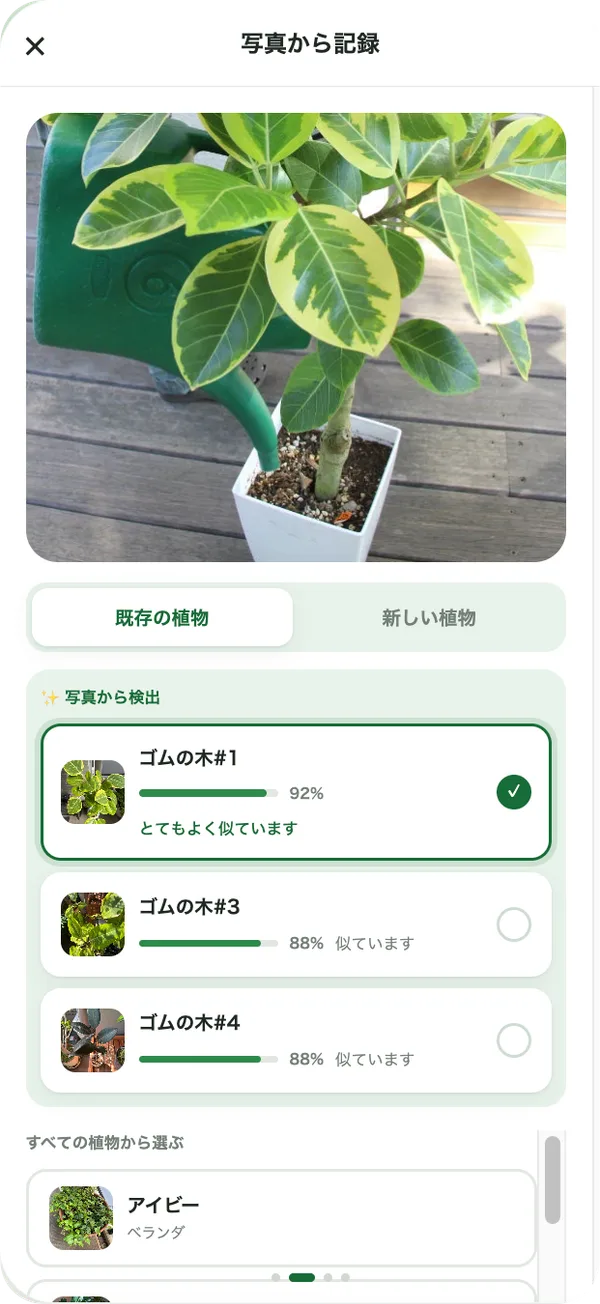
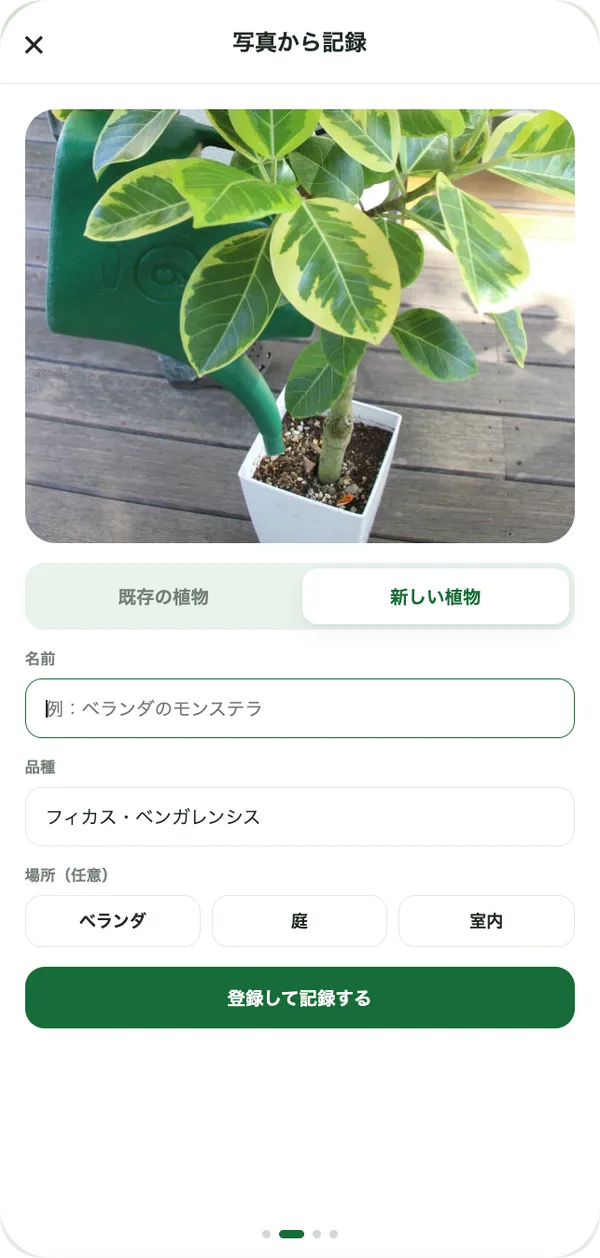
Garden Memory identifies which plant is in your photo and shows a match score. For a new plant, add its name, variety and location on the spot and log it right away.
A plant care journal
Just take a photo and Garden Memory records what you did, to which plant, and when. It uses the weather and your history to tell you what to do today.
Get started for freeNo credit card required · The Free plan is free forever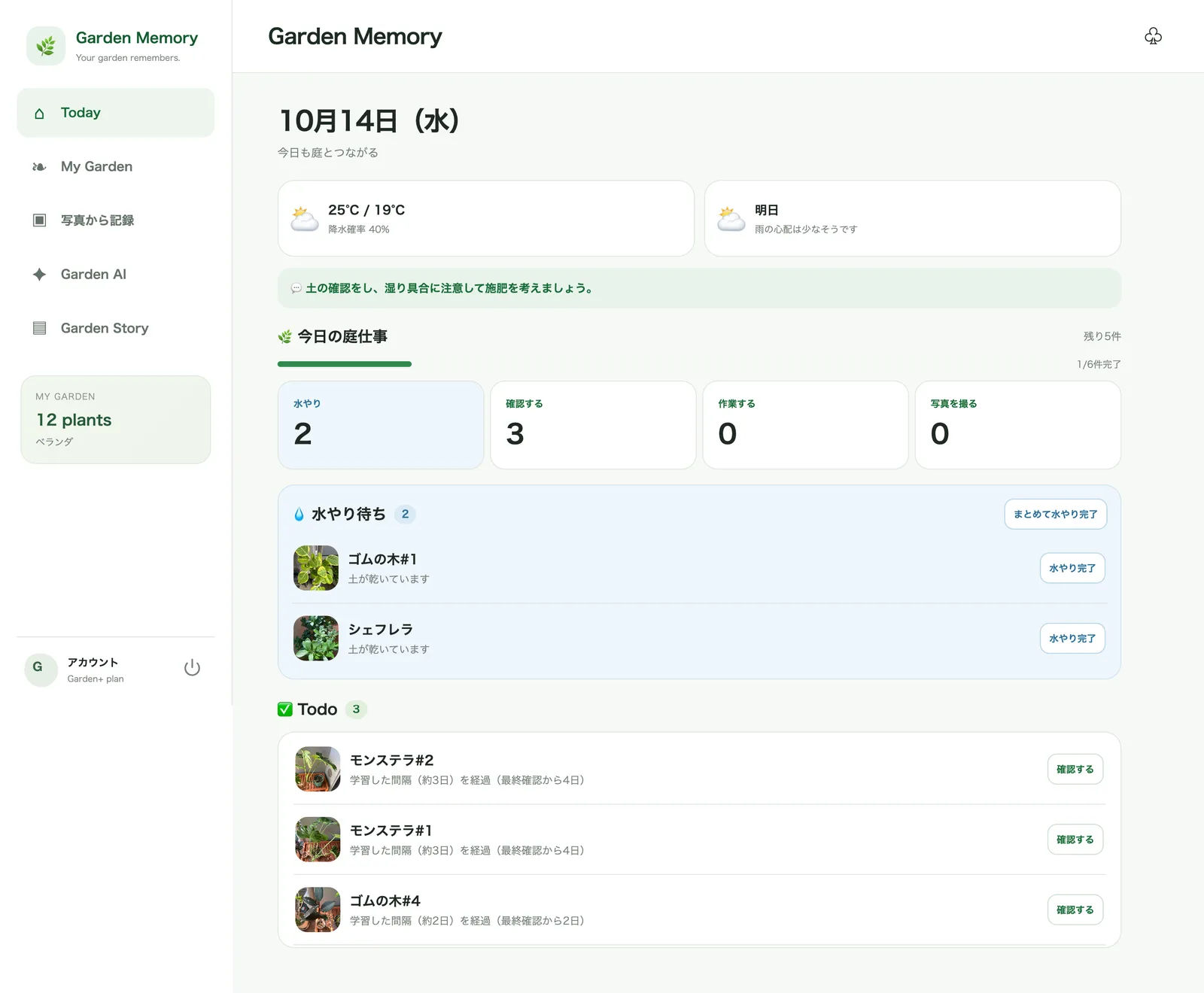
Garden Memory identifies which plant is in your photo and shows a match score. For a new plant, add its name, variety and location on the spot and log it right away.
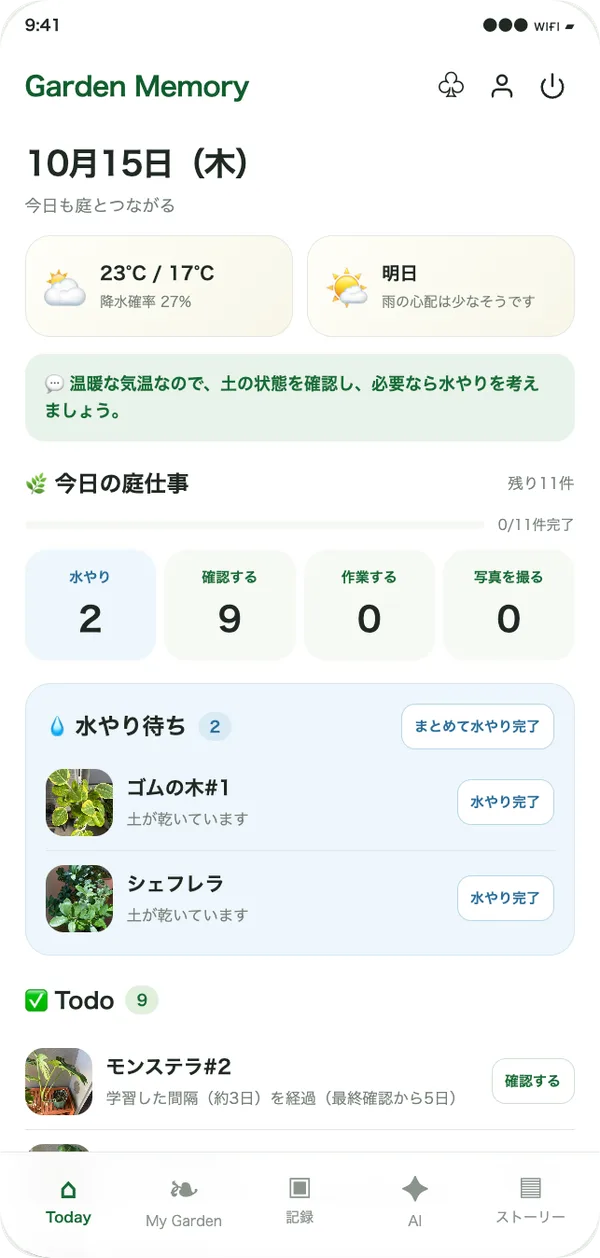
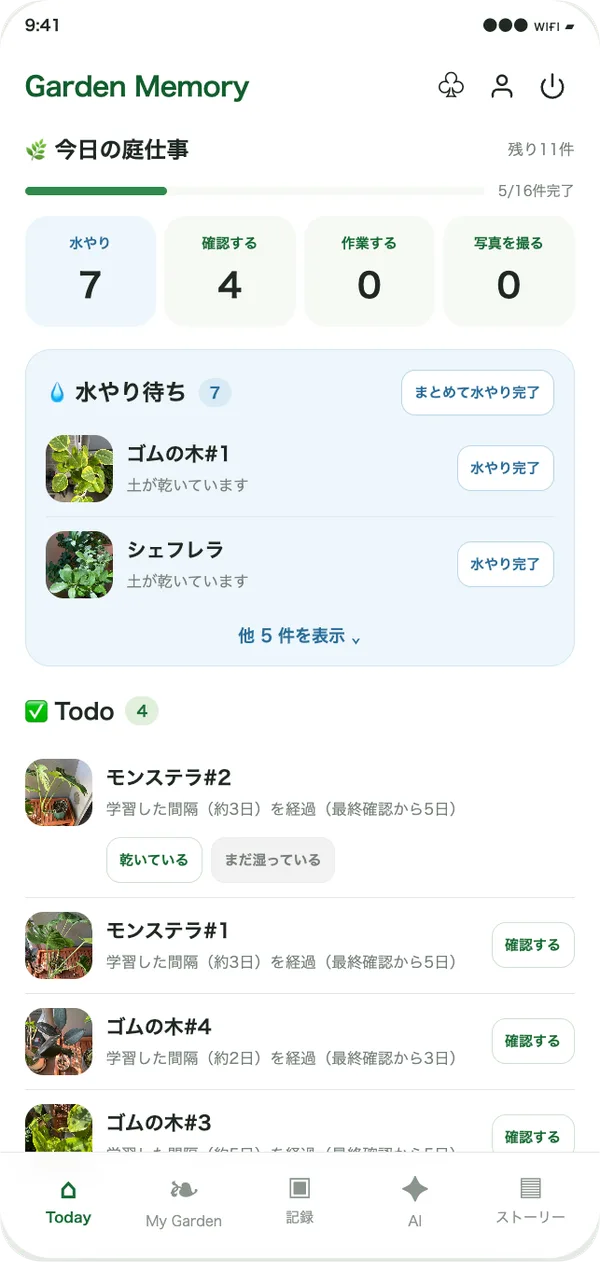
Waiting-to-water plants and soil checks are shown using the weather and your history. Mark them done with one tap and see your progress instantly.
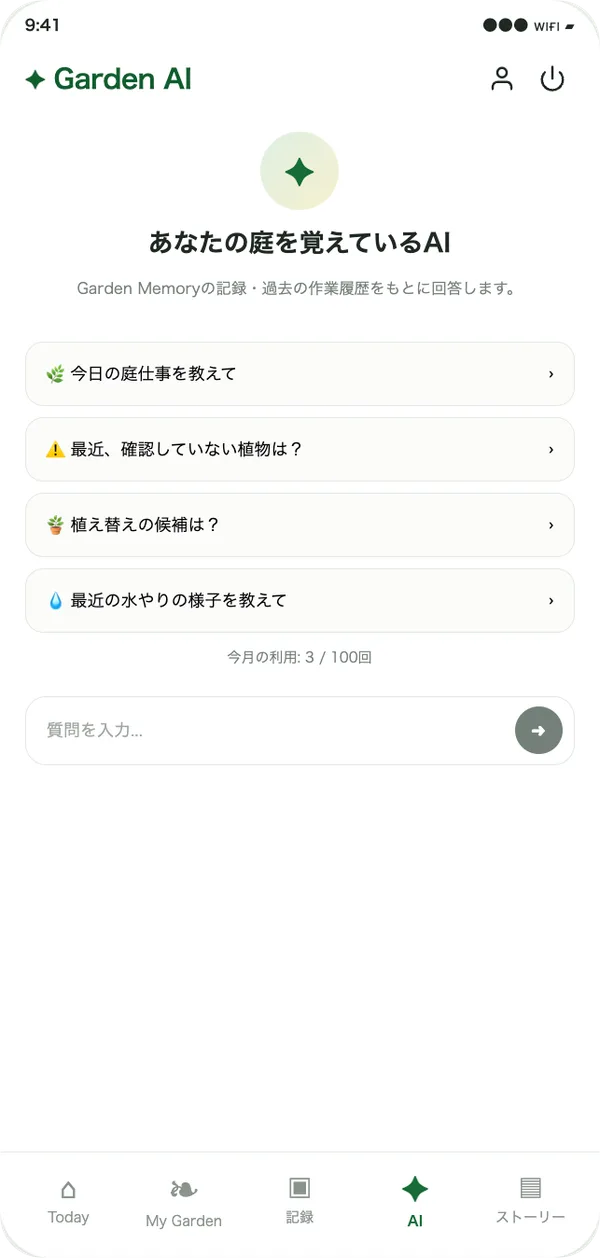
Ask things like “Which plants haven't I checked lately?” or “How has watering gone recently?” and get answers based on your Garden Memory records.
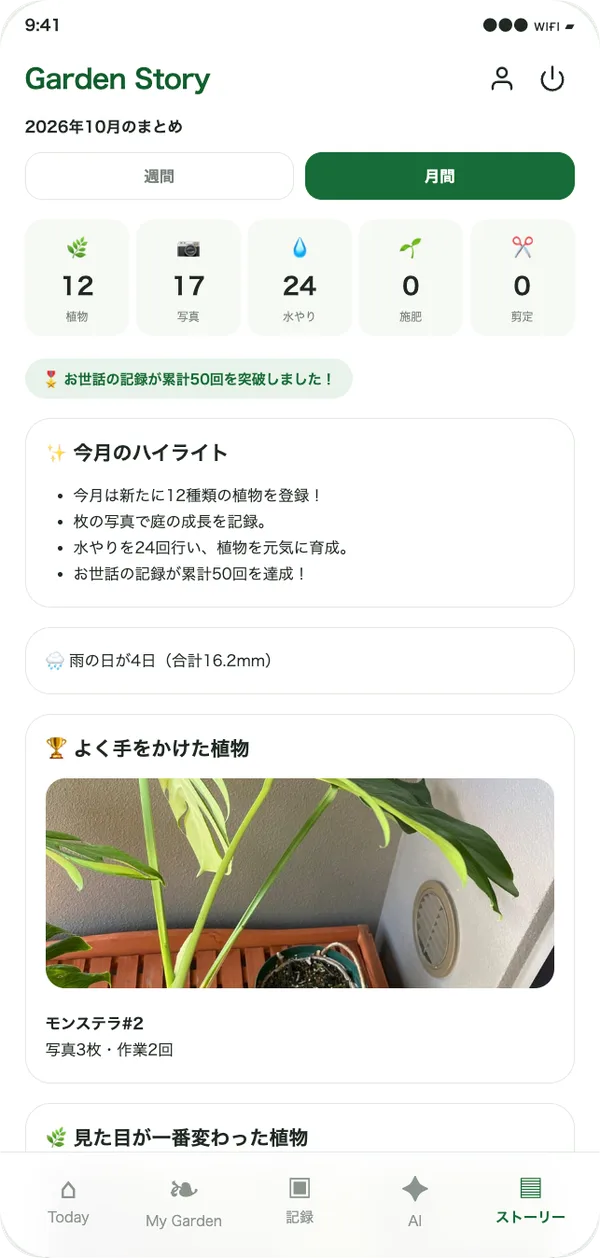
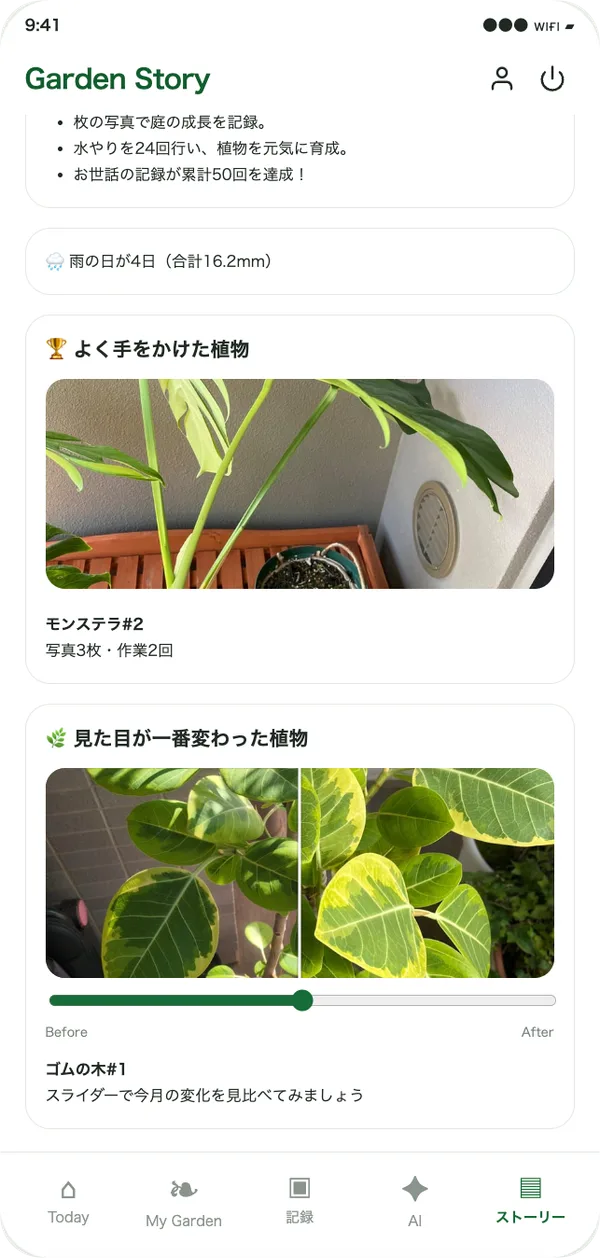
See the period's watering and photo counts and the plants you cared for most, and drag a slider to compare how a plant has changed.
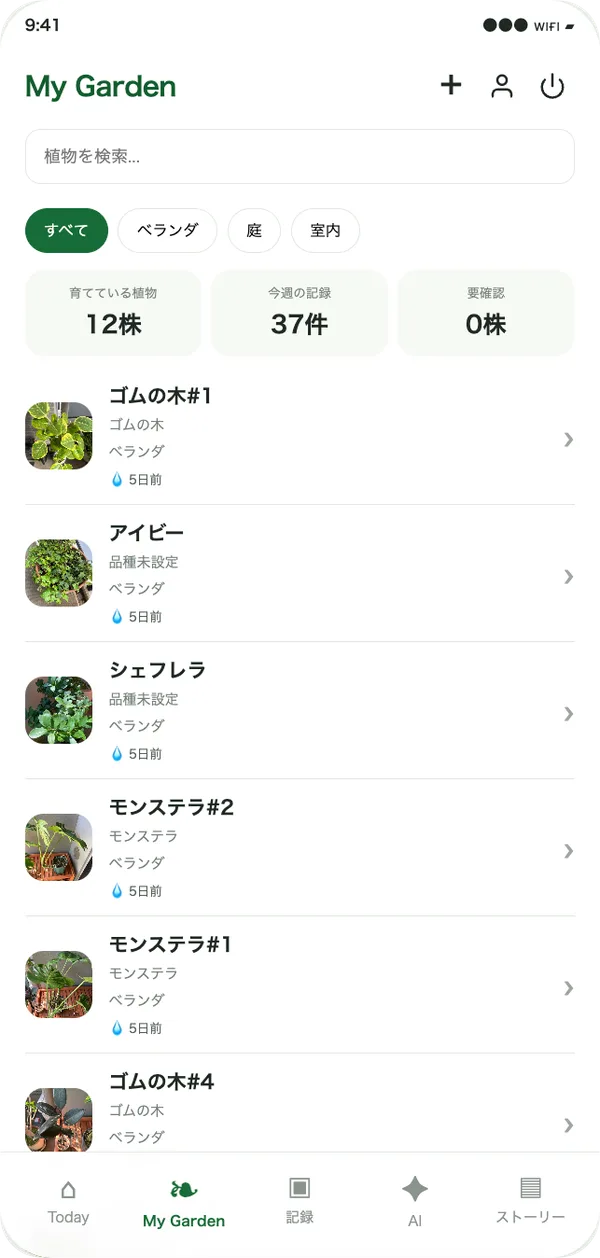
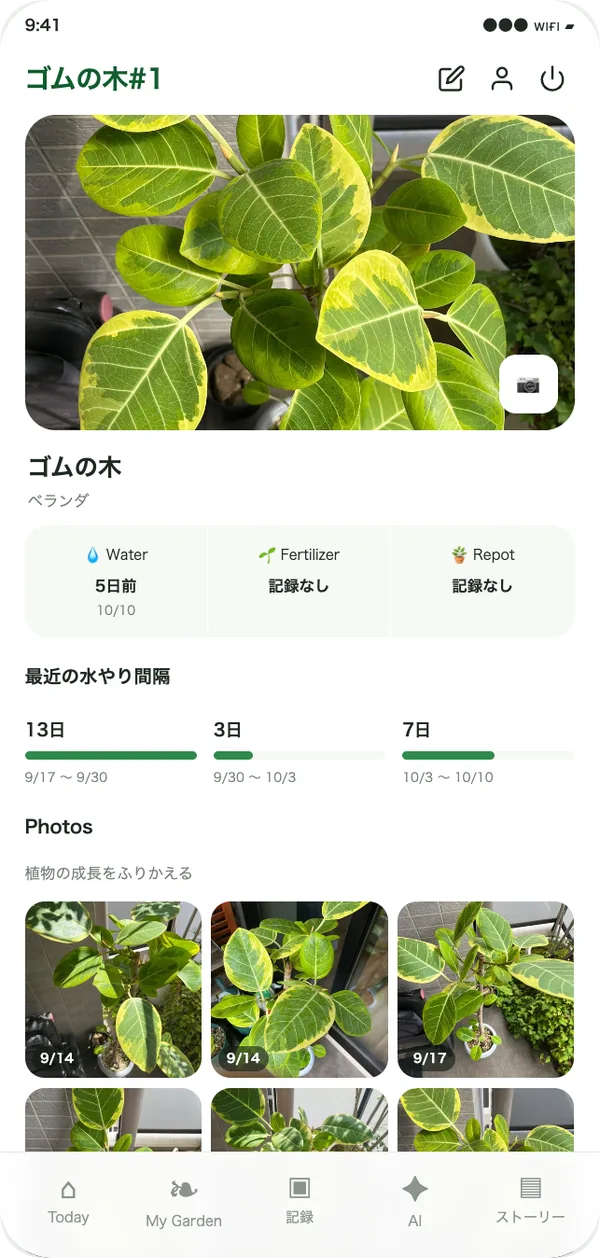
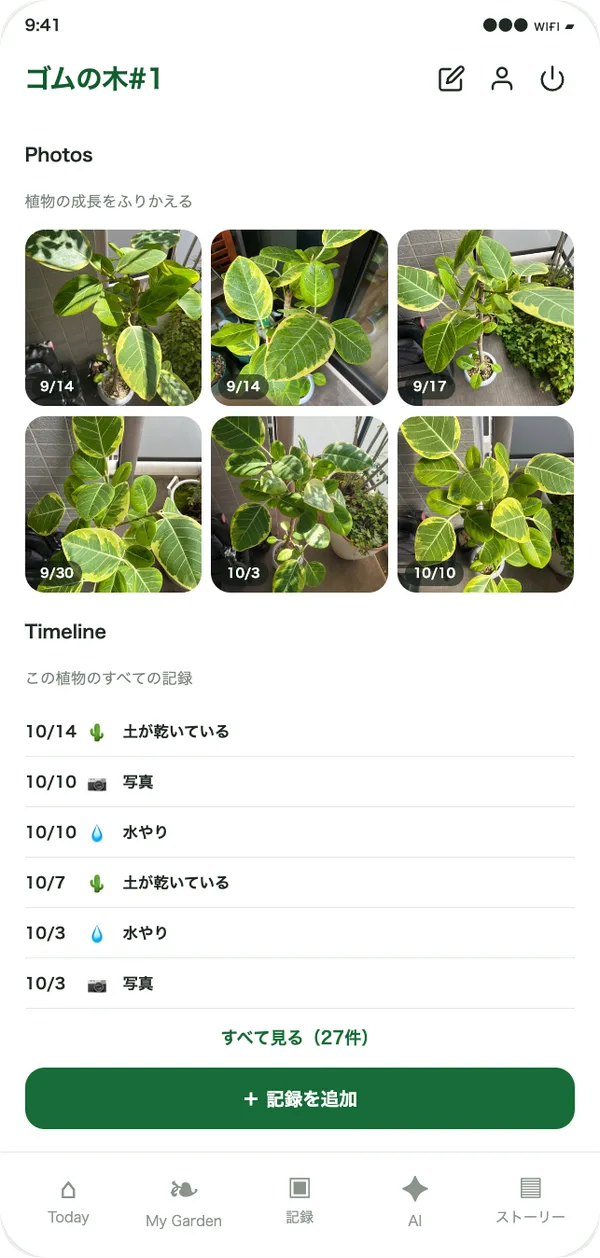
Filter by location or search to find any plant fast. Each plant has its last watering, watering intervals, growth photos and full record timeline in one place.
Identifies which plant is in your photo automatically, and suggests a variety name for new plants.
See watering, soil checks and fertilizing at a glance, and log them with a single tap.
Uses your garden's weather forecast to help you decide things like skipping watering on rainy days.
Ask things like “Which plant hasn't been doing well lately?” and get answers based on your own records.
Look back on your garden week by week or month by month, and compare growth with photos.
Watering, fertilizing and photos are saved as a history for each plant, so you can revisit the past anytime.
All you need is an email address.
Take a photo and pick a plant. You can add new plants on the spot.
The more you record, the smarter your daily tasks and reviews become.
Start with Free. Move up to Garden+ when you want more.
| Feature | Free$0 | Garden+$4.80 / monthor $48 / year (2 months free) |
|---|---|---|
| Registered plants | Up to 30 | Unlimited |
| Stored photos | Up to 200 | Up to 5,000 |
| Basic records & full history | ○ | ○ |
| Weather forecast | ○ | ○ |
| Plant recognition from photos & variety suggestions | ○ | ○ |
| Basic Todo | ○ | ○ |
| Per-plant watering interval learning & Smart Todo | ― | ○ |
| Garden AI | 5 / month | 100 / month |
| Weekly Story | ○ | ○ |
| Monthly Story, year-over-year & growth comparisons | ― | ○ |
Even if you go back to Free, you can still view your past records and photos.
It runs in the web browser on smartphones and PCs — nothing to install. Taking photos requires allowing camera access in your browser.
On the "Which plant is this?" screen shown after a photo is analyzed, you can pick a different plant or register a new one yourself. A plant's name, variety and location can be edited anytime from its detail screen.
You can delete any plant and its records from the plant's detail screen. Your care records (watering, fertilizing, etc.) can be exported anytime from "Export records as CSV" on the Account screen (photos are not included). To delete your whole account, contact us at the address on the Legal Notice page.
Use "Change payment method / cancel" on the Account screen. You keep Garden+ until the end of the billing period, and your past records and photos stay viewable on Free.
Listed prices (¥480/month, ¥4,800/year) include tax. Payment is made by card or other methods on Stripe's checkout page; card details are never stored by Garden Memory.
Photos and records are tied only to your account and are never sold or used for advertising. Your garden location is used only to fetch weather forecasts. See the Privacy Policy for details.
Sign-up takes a minute. Begin right away on the Free plan.
Get started for free